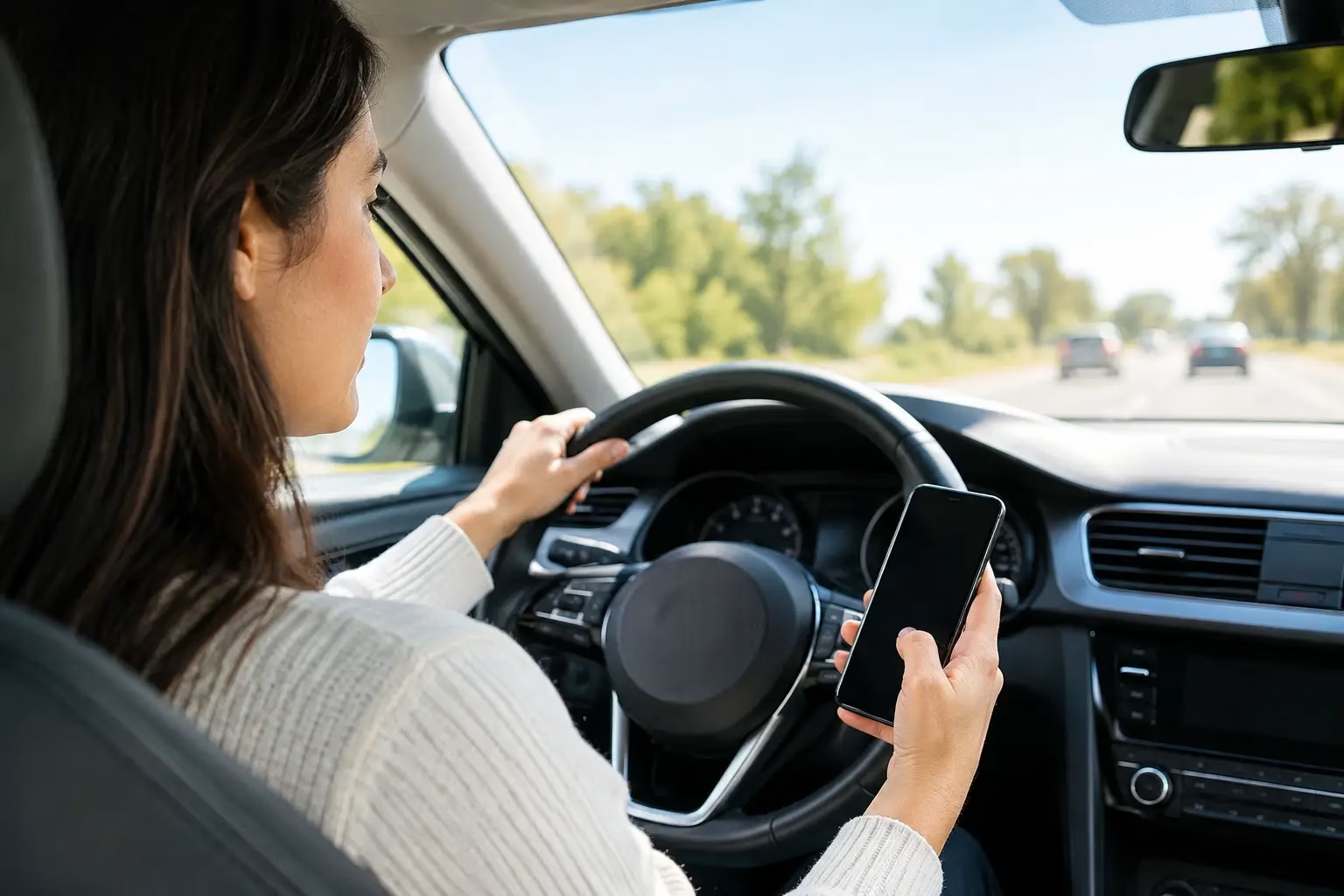
A phone can create a violation before a driver ever sends a text. In many states, simply holding a wireless device, reading a notification, or using a phone while stopped in traffic can lead to a citation. To avoid cellphone driving violations, set up your trip before moving, keep your device out of your hand, and know the rules that apply where you drive.
Cellphone laws are not identical across the United States. Some states broadly prohibit handheld use, while others focus on texting, school zones, young drivers, or commercial drivers. The safest approach is also the simplest: treat your phone as a device to set aside once the vehicle is in motion.
Why cellphone violations happen so easily
Most drivers do not decide to drive distracted. They respond to a notification, check a map, answer a quick call, or pick up a phone that has slid off the seat. Those small actions can take a driver’s eyes, hands, or attention away from traffic at the exact moment conditions change.
A violation may be based on more than typing. Depending on state law, an officer may cite a driver for holding a phone, manually entering an address, scrolling through music, watching video, or using social media. A red light does not always create an exception. If the vehicle is on a public roadway and still part of traffic, handheld use may remain prohibited.
The consequences can extend beyond the initial fine. A citation may involve court costs, points, insurance consequences, a required driver improvement course, or added difficulty for a new driver trying to maintain license eligibility. Requirements depend on the jurisdiction and the driver’s record.
Set your phone before you shift into drive
The best time to use a phone is before the trip begins. Enter your destination, select music or a podcast, confirm the route, and tell anyone expecting a response that you are about to drive. This takes less time than trying to make changes at the next intersection.
Choose one safe phone location
Put the phone somewhere it cannot become a temptation or a projectile. A secured mount may be appropriate where hands-free use is allowed, especially for navigation. A bag, glove compartment, or center console can work better for drivers who do not need directions.
A mount is not permission to interact with the screen continuously. Even hands-free technology can be distracting when a driver reads messages, searches for a new destination, or tries to manage several apps. Use voice guidance when possible and pull over safely if the task requires your full attention.
Turn on driving-focused settings
Use your phone’s driving mode, Do Not Disturb feature, or automatic reply setting before departure. These tools reduce alerts and can let contacts know that you will respond later. They do not replace safe driving decisions, but they remove many of the prompts that cause drivers to reach for a device.
If you use navigation, enable audio directions and place the screen where a brief glance does not block the road. Then leave the route alone unless you are parked safely. A missed turn is usually a minor inconvenience. A distracted-driving crash or citation is not.
Handle calls without holding the device
If your vehicle has built-in Bluetooth or a lawful hands-free system, connect it before driving. Keep calls short and end them when traffic becomes demanding. Heavy rain, work zones, unfamiliar streets, school areas, and congested highways all require more attention than a conversation allows.
Hands-free does not mean risk-free. If a caller needs a detailed answer, tell them you will call back after parking. That is a professional choice, not an inconvenience.
Know the situations with stricter rules
Cellphone restrictions often become tighter for certain drivers and locations. New drivers may face limits that do not apply to fully licensed adults. Commercial motor vehicle operators are commonly subject to federal and state rules that restrict reaching for or holding a phone while operating.
School zones and active work zones may bring enhanced penalties in some areas. Local ordinances can also add requirements beyond statewide rules. Drivers who cross state lines should not assume that the law at home applies everywhere on the route.
Do not rely on common exceptions
Emergency calls are often treated differently under state law, but the exact exception varies. Calling 911 to report a crash, unsafe driver, fire, or medical emergency may be permitted. That does not make routine calls, roadside photo-taking, or messages about a non-urgent issue legal.
If you must contact emergency services, do so as safely as conditions allow. Use hands-free features if available, keep your attention on the road, and pull over when it is safe to do so.
Build habits that work on busy days
Reliable prevention is less about willpower and more about a repeatable routine. Before every trip, place the phone, start navigation if needed, activate a focus setting, and begin driving. When that sequence becomes automatic, the temptation to check a notification drops sharply.
Passengers can help. Ask a passenger to manage directions or respond to an urgent message. Parents can set a clear household rule that teen drivers put their phones away before the vehicle moves. Employers can support safe driving by setting realistic response expectations for staff who travel during the workday.
For drivers completing a court, DMV, or employer requirement, a wireless communications device or driver improvement course can clarify the behaviors that lead to violations. floridanewdriver.com offers convenient online education options designed to help eligible drivers understand traffic safety responsibilities and meet applicable requirements. Always confirm which course, if any, is accepted for your specific citation or purpose.
If you receive a cellphone citation
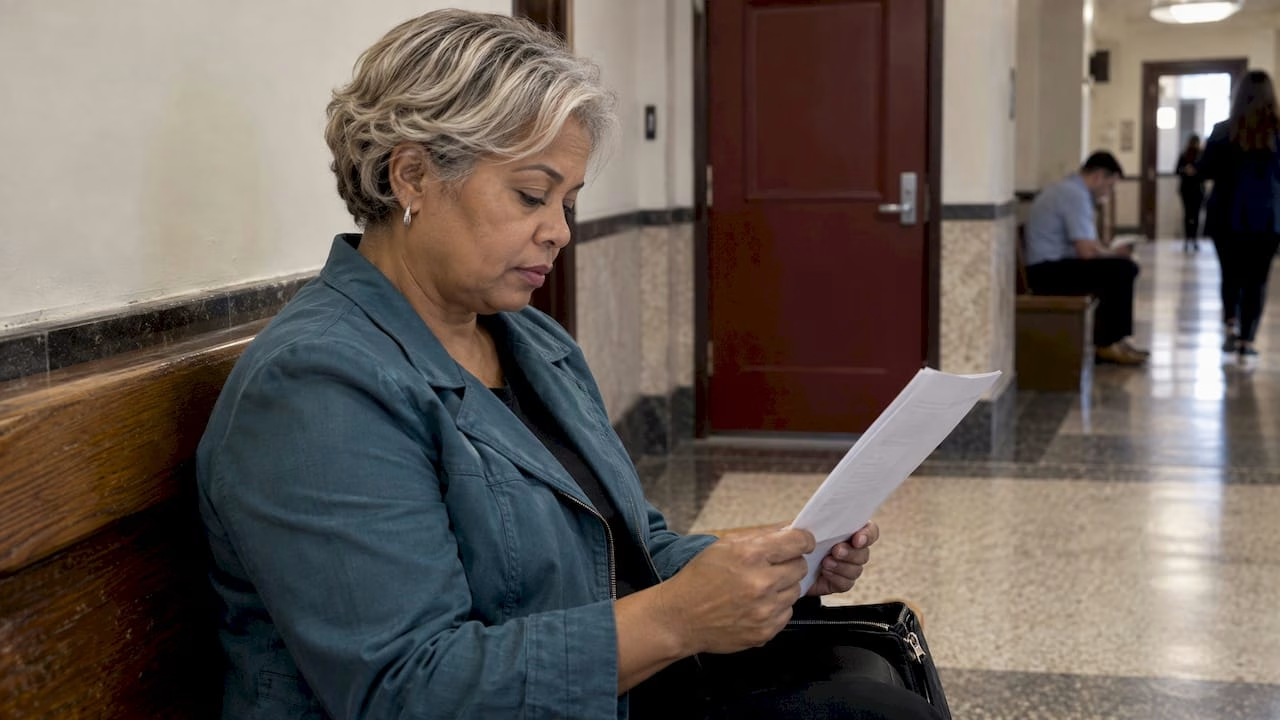
Read the citation carefully and pay attention to deadlines. It should identify the alleged violation, court or payment instructions, and any response requirement. Do not assume paying the ticket is the only option, or that a course automatically dismisses it.
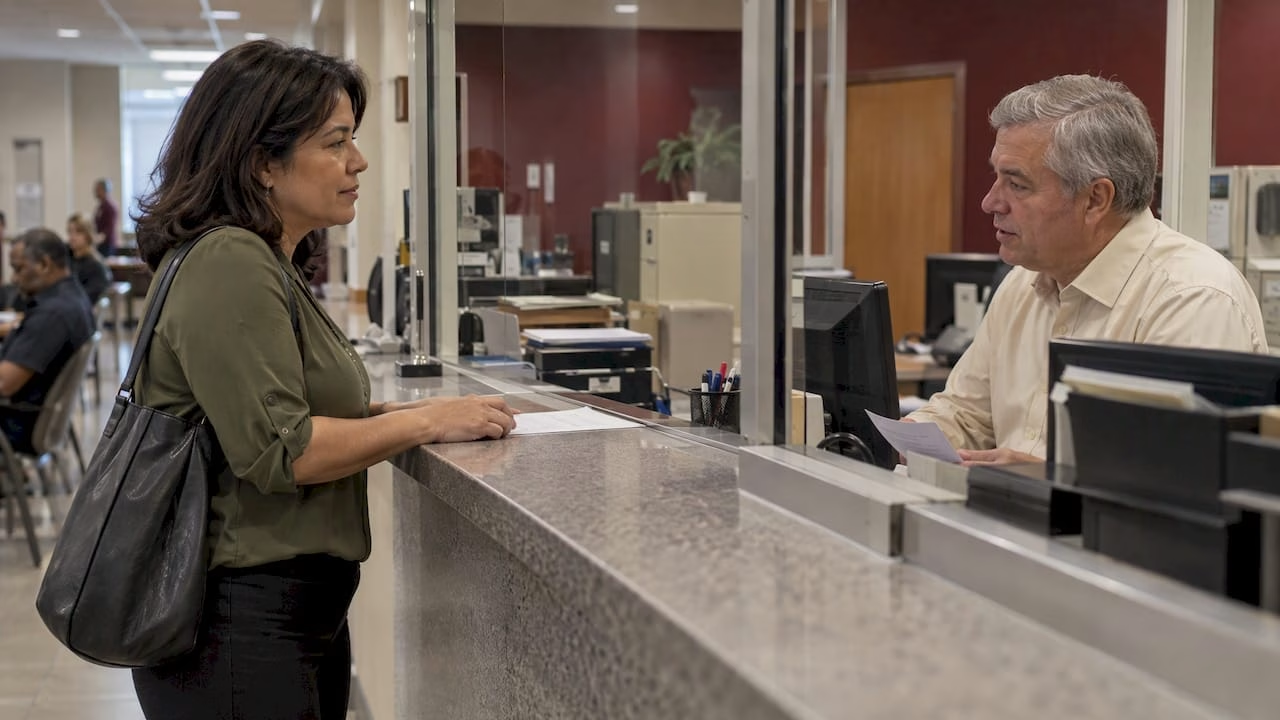
Your available choices may depend on the state, county, your driving history, and the facts of the stop. Some jurisdictions allow an approved course for a qualifying driver, while others require a hearing, payment, or a different compliance step. Contact the court, clerk, DMV, or another official source listed on the citation if instructions are unclear.
Keep records of every action you take, including payment confirmation, course completion documents, and communications about your case. If a course is ordered or approved, finish it by the stated deadline and submit proof exactly as directed.
FAQ: Avoiding Cellphone Driving Violations
Can I use my phone at a red light?
It depends on state law. Many handheld-use laws still apply while you are stopped at a red light or in traffic, so wait until you are legally parked.
Is a hands-free phone always legal?
Not always. Hands-free calling may be permitted, but visual-manual use, such as reading, typing, or searching apps, can still violate the law or create a distraction risk.
Can I use GPS while driving?
Usually, navigation is safest when it is programmed before departure and provides audio directions. State rules may limit how you mount or interact with the device.
What should I do if I need to send an urgent message?
Pull over and park in a safe, legal location before sending it. If the situation is an emergency, contact 911 as permitted by your state’s law.
Can a cellphone ticket affect insurance?
It can. Insurance effects depend on your insurer, state rules, the violation, and your driving record.
The phone can wait. Give the road your full attention, follow the device rules where you drive, and make every trip one less opportunity for a preventable violation.